The editor
Make it your own
The editor is made to be put in your product. You choose what it offers, feature by feature, and you can take what is clicked in it and show your own panel, in the editor’s own look, with your own content.
Choose what it offers
Each view, card and tool is a feature, given to the editor by its host. What you leave out is not in your bundle, not only off the screen. The construction editor is the draw editor with two features of its own: the shell and the frame.
import { mountDrawEditor } from '@surfacekit/draw-editor/core';
import { planFeature } from '@surfacekit/draw-editor/features/plan';
import { view3dFeature } from '@surfacekit/draw-editor/features/view-3d';

const editor = mountDrawEditor(host, {
    house: text,
    features: [planFeature, view3dFeature],
    onChange: (text) => save(text),
});
Take what is clicked
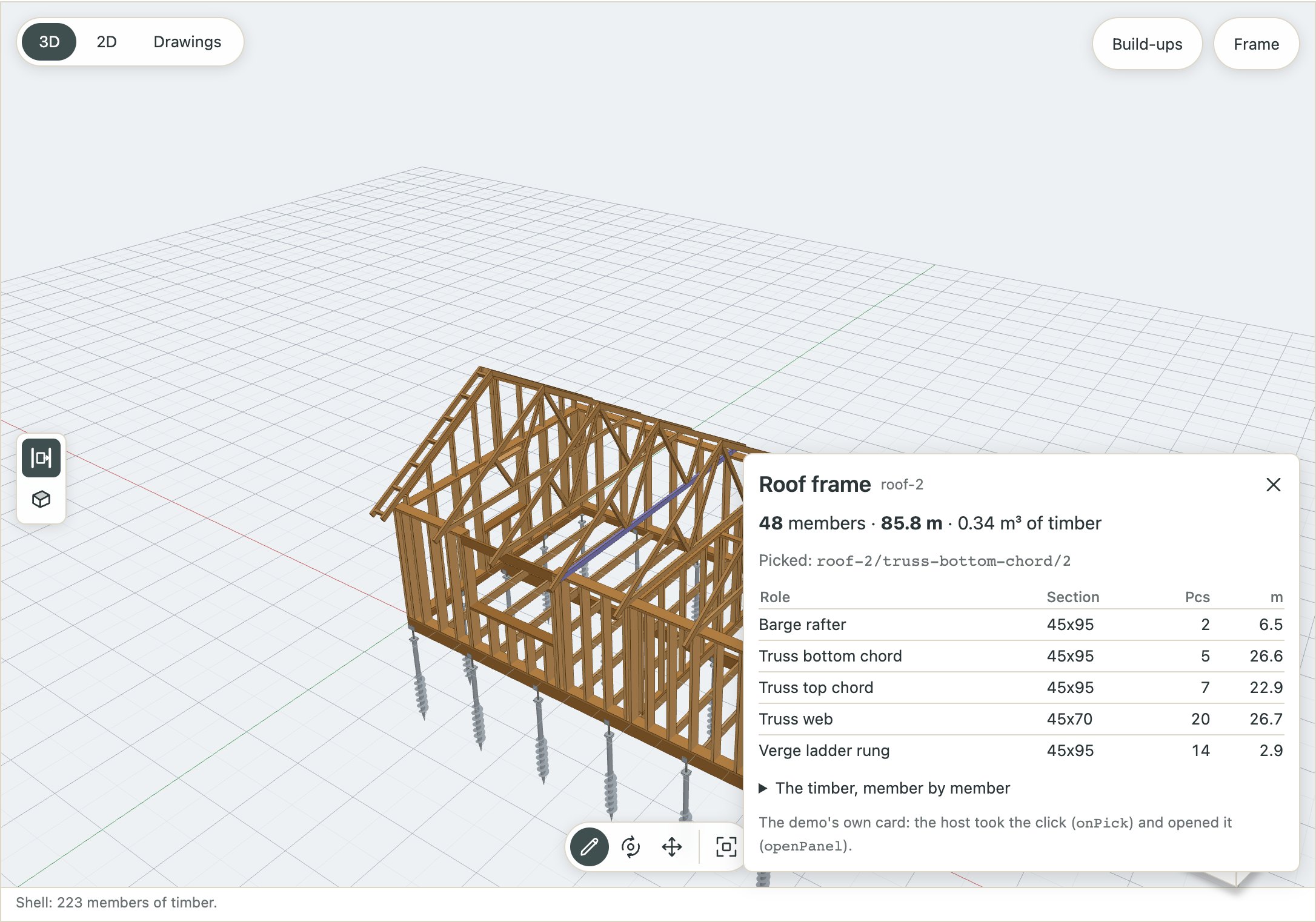
Each pick — a face, an edge, a room, a member of the frame — is offered to you before the editor’s own card opens on it. Take it, and the editor’s card stays closed while the thing stays selected, for your panel to be about.
const editor = mountDrawEditor(host, {
    house: text,
    features,
    onPick: (pick, editor) => {
        if (pick?.kind !== 'face') return false;     // the editor's own card
        editor.openPanel({
            title: 'Wall',
            tag: pick.surfaceId,
            body: myPanel(pick),                     // your content
        });
        return true;
    },
});
Your own panels
openPanel opens a panel in the look of the editor’s cards, with your content: over the foot of the view, where the pick cards open (place: 'card'), or down the right side under the pills (place: 'side'). A panel opened on a pick closes when the pick is let go of, and closing it lets go of the pick.
The places, by name
Where everything goes is described in Anatomy of the editor, with the call that puts something there.